kp333 Deposit Guide
Read this page and you will know exactly how to add money to your kp333 account — which method to pick, each step to follow, and what to do if something goes wrong.
- SSL Encrypted
- Funds in ~5 Minutes
- 24/7 Support
- bKash · Nagad · Rocket · Upay
- 18+ · Play Responsibly
Payment Methods at a Glance
Every method below is available 24 hours a day. Minimum deposit is ৳350 across all options.
| Method | Min. Deposit | Arrival Time | Fee | Best For |
|---|---|---|---|---|
| bKash | ৳350 | ~5 minutes | Free | Quick top-ups on mobile |
| Nagad | ৳350 | ~5 minutes | Free | Daily match betting |
| Rocket | ৳350 | ~5 minutes | Free | DBBL account holders |
| Upay | ৳350 | ~5 minutes | Free | UCB customers |
| Bank Transfer | ৳350 | ~5 minutes | Free | Larger amounts |
Arrival times are typical; processing may take a few extra minutes during peak hours.
Supported Payment Methods: Rates & Times
A full breakdown of every deposit channel — minimum amounts, how fast funds land, and whether any fee applies.
-
Payment Method Min. Deposit Deposit Time Withdrawal Time Fee bKash ৳350 ~5 minutes ~24 minutes Free Nagad ৳350 ~5 minutes ~24 minutes Free Rocket ৳350 ~5 minutes ~24 minutes Free Upay ৳350 ~5 minutes ~24 minutes Free Bank Transfer ৳350 ~5 minutes ~24 minutes Free
Minimum withdrawal is ৳1,200. Maximum daily withdrawal is ৳65,000. kp333 charges no processing fee on any method.
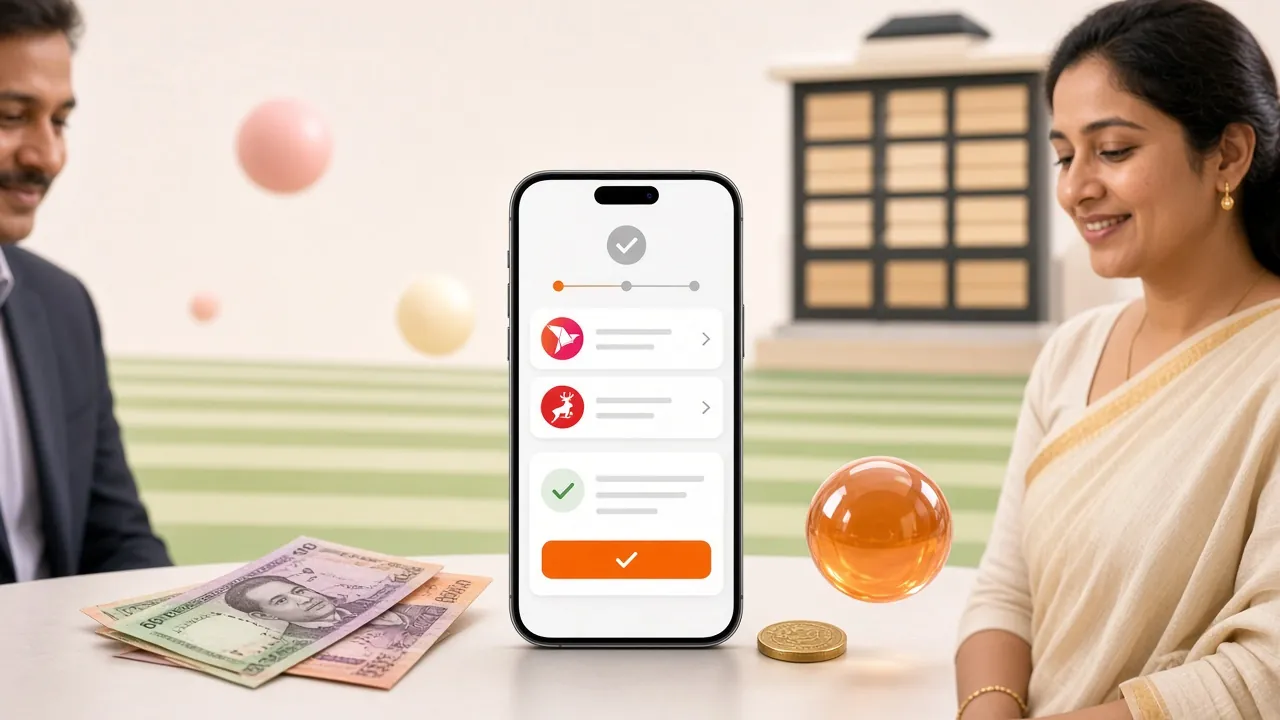
How to Make Your First Deposit
These four steps apply to every method. The method-specific steps follow in the next sections.
-
1Log In
Open kp333 and sign in to your account. No account yet? Register here — it takes under two minutes.
-
2Open the Cashier
Tap your balance at the top of the screen or go to Account → Deposit. The cashier page lists all available methods.
-
3Pick a Method & Enter Amount
Choose bKash, Nagad, Rocket, Upay or Bank Transfer. Type the amount (minimum ৳350) and confirm.
-
4Complete on Your App
You are redirected to your payment app or shown a reference number. Approve the payment there. Funds appear in your kp333 balance within ~5 minutes.
Depositing via bKash
bKash is the most common method used by kp333 players in Bangladesh. The whole process takes under two minutes if your bKash PIN is ready.
bKash — Step by Step
- In the kp333 cashier, select bKash and enter the deposit amount (minimum ৳350).
- kp333 displays a merchant payment number and a reference code. Copy the reference code — you will need it.
- Open your bKash app. Choose Pay Bill or Send Money as instructed on the kp333 page.
- Enter the merchant number and the exact amount. Paste the reference code in the reference field.
- Enter your bKash PIN and confirm the transaction.
- Return to kp333. Your balance updates within ~5 minutes. Keep your bKash transaction ID in case you need to contact support.
Make sure the name on your bKash account matches the name on your kp333 account. Mismatched names are the most common reason a deposit gets held for review.
Depositing via Nagad
Nagad works almost identically to bKash. If you use both, Nagad is a good backup when bKash is busy during a live cricket match.
Nagad — Step by Step
- In the kp333 cashier, select Nagad and type the amount you want to deposit (min ৳350).
- You will see a Nagad merchant number and a unique reference code on the kp333 screen.
- Open the Nagad app and tap Cash Out / Send Money (follow the instruction shown on the kp333 page).
- Enter the merchant number, the exact amount, and the reference code in the correct field.
- Confirm with your Nagad PIN.
- Go back to kp333. The credit arrives within ~5 minutes. Save the Nagad TrxID as proof.
Depositing via Rocket
Rocket (DBBL) — Step by Step
- Choose Rocket in the kp333 cashier and set your deposit amount (min ৳350).
- Note the Rocket merchant number and reference code shown on screen.
- Dial *322# on your Rocket-linked number or use the Rocket app. Select Payment.
- Enter the merchant number, amount, and reference code as the bill number.
- Confirm with your Rocket PIN.
- Your kp333 balance updates within ~5 minutes. The confirmation SMS from Rocket is your receipt.
Rocket works through DBBL. You need an active Dutch-Bangla Bank account or a Rocket mobile wallet to use this method.
Depositing via Upay
Upay — Step by Step
- Select Upay in the kp333 cashier. Enter an amount of at least ৳350.
- Copy the Upay merchant number and reference code from the screen.
- Open the Upay app and tap Bill Pay or Send Money as shown on the kp333 page.
- Fill in the merchant number, exact deposit amount, and reference code.
- Authorise with your Upay PIN or fingerprint.
- Return to kp333 — funds arrive within ~5 minutes. Note the Upay transaction number.
Depositing via Bank Transfer
Bank transfer is best for larger deposits. The minimum is still ৳350, and funds arrive within ~5 minutes during bank hours.
Bank Transfer — Step by Step
- Choose Bank Transfer in the kp333 cashier and enter the amount (min ৳350).
- kp333 shows you the destination bank account details and a reference number.
- Log in to your bank's internet banking or visit a branch. Initiate a fund transfer to the provided account.
- Enter the reference number in the transfer description or remarks field — this is how kp333 identifies your payment.
- Confirm and submit the transfer.
- Once the bank processes it (usually within ~5 minutes during business hours), your kp333 balance updates. Keep the bank receipt or transaction ID.
Always include the reference code in the transfer remarks. Without it, the team has to manually match your payment, which can add a delay.
First Deposit Bonus — What You Get
When a Deposit Does Not Go Through
Most failures are quick to fix. Check the table below before contacting support — the answer is usually here.
| What You See | Likely Cause | What to Do |
|---|---|---|
| Payment Rejected | Entered the wrong merchant number or reference code | Go back to the kp333 cashier, start a new deposit request, and copy the new number carefully. |
| Amount Mismatch | You sent a different amount than you entered in the cashier | Always transfer the exact amount shown. Contact live chat with your transaction ID and the cashier screenshot. |
| Balance Not Updated | Payment processed but reference code was missing | Wait 10 minutes, then contact 24/7 Live Chat. Provide your bKash/Nagad TrxID and the deposit amount. |
| Deposit on Hold | Name on payment account does not match kp333 account | Use a payment method registered in your own name, or complete KYC first. See the KYC Guide. |
| Session Expired | You took too long on the payment app (cashier timeout) | Do not retry the old payment. Start a fresh deposit in the kp333 cashier to get a new reference code. |
| Daily Limit Reached | Your mobile wallet has hit its own daily limit | Try a different method (e.g. Bank Transfer) or wait until after midnight to reset your wallet limit. |
If none of the above applies, kp333 support is available 24/7. Have your transaction ID and screenshot ready — most issues are resolved within minutes.
Questions Players Ask Most
01 What is the minimum deposit on kp333?
The minimum deposit is ৳350 for every payment method — bKash, Nagad, Rocket, Upay, and Bank Transfer all share the same floor. There is no maximum single deposit, but your payment method may have its own daily wallet limit.
02 How long does a deposit take to appear in my balance?
Most deposits via bKash, Nagad, Rocket, and Upay arrive within 5 minutes. Bank transfers also typically clear in ~5 minutes during banking hours. If your balance has not updated after 10 minutes, contact Live Chat with your transaction ID.
03 Is there a deposit fee on kp333?
kp333 charges no deposit fee from its side. Your own mobile wallet or bank may deduct a small service charge — check with your provider. The amount credited to kp333 is what you transfer minus any fee taken by your wallet.
04 Can I deposit using someone else's bKash account?
No. kp333 requires the payment account to be registered in your own name. Deposits from a third-party wallet are flagged and may be held pending KYC review. Always use your own bKash or Nagad number.
05 Does the first deposit bonus apply automatically?
Yes. When your first deposit clears, the 165% bonus (up to ৳25,500) is credited to your account automatically — no promo code needed. The bonus must be wagered 8 times within 7 days before you can withdraw the bonus portion.
06 Can I deposit using the kp333 mobile app?
Yes. The kp333 app (Android, version 3.6.8, free to download) has a full cashier built in. The deposit process is identical to the browser version. Download it from the App page. The app also switches between your bKash and Nagad wallets without needing to log out.
07 What if I entered the wrong amount in the cashier?
Do not complete the payment on your wallet app. Cancel the kp333 cashier session and start a new deposit with the correct amount. If you already sent the payment, contact Live Chat with both the cashier reference and the wallet TrxID so the team can reconcile manually.
08 Is it safe to deposit money on kp333?
kp333 uses SSL encryption on all transactions. Payment data is not stored on kp333 servers — payments are processed through the respective mobile wallet gateways. Always use the official URL kp333.ws and avoid sharing your wallet PIN with anyone.